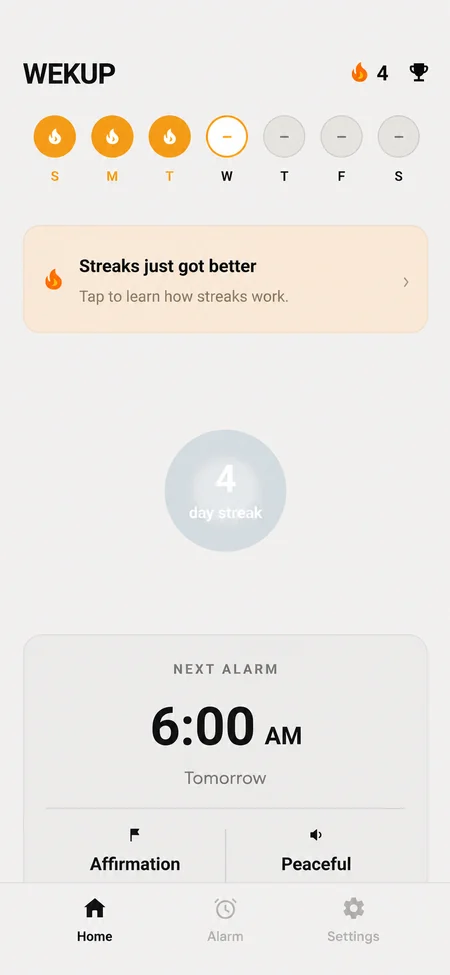
How the affirmation alarm works
The alarm rings
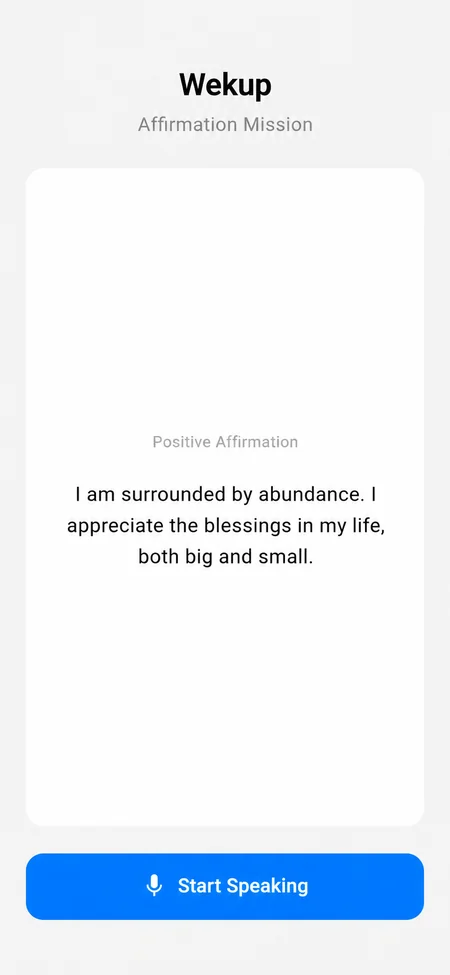
No snooze, no dismiss. A short affirmation appears on screen.
Read it out loud
Speak clearly. Your voice is recorded and transcribed.
Your words are checked
If what you said matches the text, the alarm stops. Mumbling something else won't pass.
What the affirmations sound like
There are over 100 affirmations, and Wekup avoids repeating one until you have seen most of them. A few examples:
- “Every morning is a fresh start. I release yesterday's worries and embrace today with open arms.”
- “My mind is calm, my body is strong, and I am ready to make today count.”
- “I trust myself to handle whatever today brings, one step at a time.”
Why saying it out loud works
You can't read a sentence aloud with your face in the pillow. Speaking clearly enough to pass the check means sitting up, opening your eyes and using your voice, which is most of the way to being awake. And the first words you hear that day are good ones.
Your recording isn't kept
The clip is used for that one check, and the microphone is only on while you're doing the mission. We don't store it, and it's never saved to your account. OpenAI, which runs the check, doesn't train on it and may hold it for up to 30 days for abuse monitoring before deleting it.