How the push-up alarm works
The alarm rings
It goes off as normal, with no snooze or dismiss button.
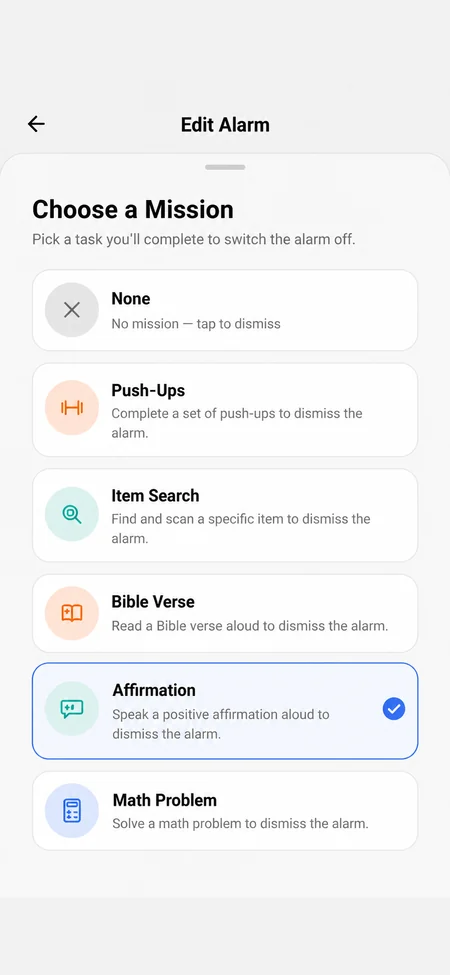
Start the mission
Open the Push-Ups mission. The front camera turns on by itself.
Do your push-ups
Put your phone where the camera can see you and start. It captures a few frames over about six seconds.
The movement is checked
If the frames show real push-ups, the alarm stops. If not, it keeps ringing and you go again.
Why one photo isn't enough
A single photo can't tell push-ups from someone lying on the floor holding a pose. Wekup captures several frames and checks that your body actually moves between them, so holding still won't pass.
Tips for the push-up alarm
- Prop your phone on the floor or against something low, so the front camera can see your whole body.
- Switch the light on or open the curtains. The camera needs to see you.
- Pair it with a loud tone like Buzzer for the hardest mornings.
- Use it on your first alarm and an easier mission on the backup.
What happens to the frames
They're used for that one check, and the camera is only on while you're doing the mission. We don't store them, and they're never saved to your account. OpenAI, which runs the check, doesn't train on them and may hold them for up to 30 days for abuse monitoring before deleting them.