How the photo alarm works
Choose your items
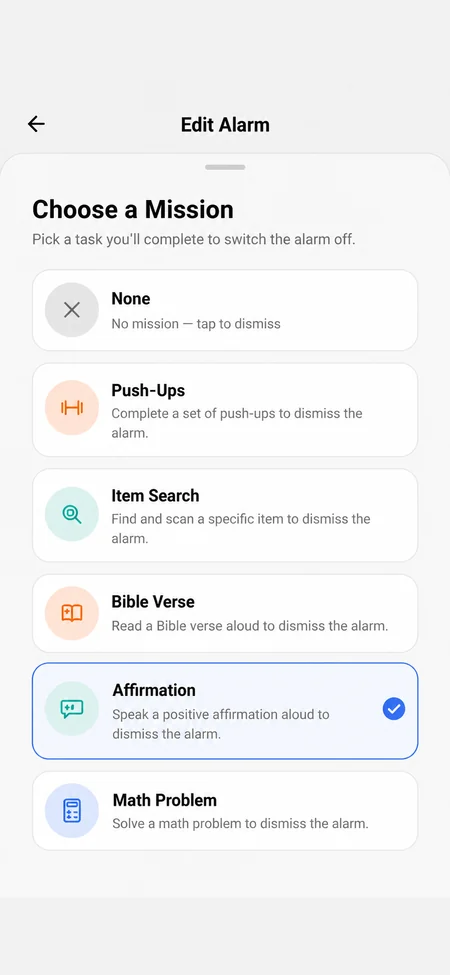
When you set the alarm, pick which objects it's allowed to ask for.
The alarm names one
When it rings, Wekup picks one of your items and shows it on screen.
Find it and take a photo
Your photo is checked to confirm it shows that object. If it does, the alarm stops.
30 everyday objects to choose from
Pick from three sets. If you don't choose any, the alarm uses the standard eight.
- Standard: water, coffee, toothbrush, banana, laptop, backpack, toilet, trash can.
- More: dog, cat, bird, car, headphones, frying pan, egg, toilet paper, keys, shoe, phone, book.
- Fun: rubber duck, guitar, teddy bear, candle, game controller, cactus, pizza, soccer ball, watch, glasses.
Pick items that get you moving
- Toothbrush or toilet: your first stop is the bathroom.
- Coffee, frying pan or egg: the alarm sends you to the kitchen.
- Shoe, keys or backpack: useful if you leave the house early.
- Skip anything that sits on your nightstand. The point is to get up.
What happens to the photo
It's used for that one check, and the camera only opens while you're doing the mission. We don't store it, and it's never saved to your account. OpenAI, which runs the check, doesn't train on it and may hold it for up to 30 days for abuse monitoring before deleting it.