Start with a reason
“I should get up earlier” rarely survives the alarm. “I'm going to the gym at 6:30” or “I want 30 quiet minutes before work” does. Decide what the extra time is for before you change anything else.
Move your wake-up time gradually
Jumping from 8 AM to 5 AM overnight usually lasts a few days. Move your alarm 15 minutes earlier every few days instead, and move your bedtime with it.
Protect the night before
Early mornings are made the night before. Set a bedtime that gives you enough sleep, and build a wind-down routine: lower lights, screens away, the same steps each night.
Plan the first ten minutes
Know exactly what happens when the alarm goes off: water, light on, clothes on, out of the bedroom. Fewer decisions means fewer chances to talk yourself back into bed.
Use an alarm that won't negotiate
The weak point of any early-morning plan is the snooze button. Wekup removes it. Give an alarm a mission, like push-ups, photographing an item in another room or solving three sums, and it rings until you've done it.
Keep it going
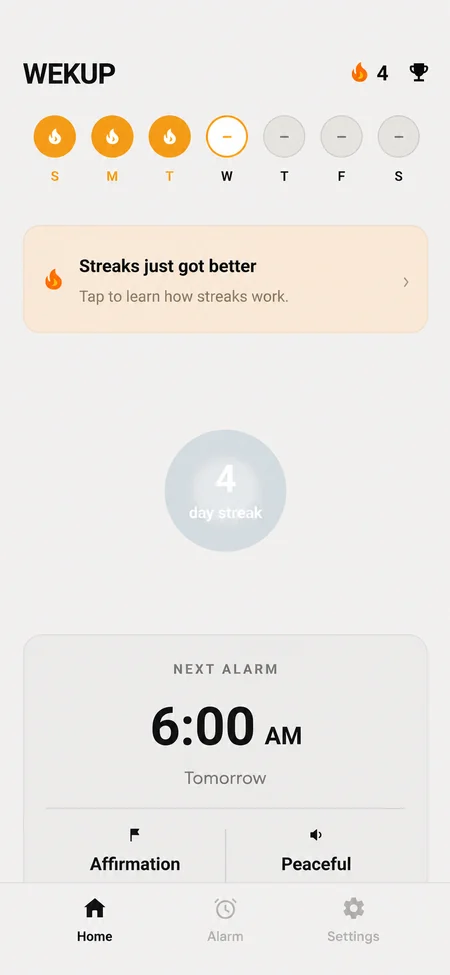
Expect bad mornings, and don't let one turn into a week. A visible streak helps: in Wekup, every alarm day you finish your mission on time adds a day, and your history shows how you're really doing.
If you feel tired all the time even with enough sleep, talk to a doctor.
By the Wekup team · Updated November 6, 2026