Skip to content
Hard-to-turn-off alarm

An alarm you can't turn off until you're up

The usual fix for oversleeping is a louder alarm. The better fix is an alarm that cannot be dismissed with a thumb in the dark.

Get it onGoogle PlayComing soonApp Store

With Wekup, a mission alarm has no snooze and no dismiss. It stops when the mission is done.

Wekup alarm ringing with a math problem to solve on a number pad before the alarm will switch off

How it stays on

The alarm rings as a full-screen alarm over the lock screen and turns your phone's alarm volume up while it rings. You finish the mission you picked the night before to silence it.

Can you cheat it?

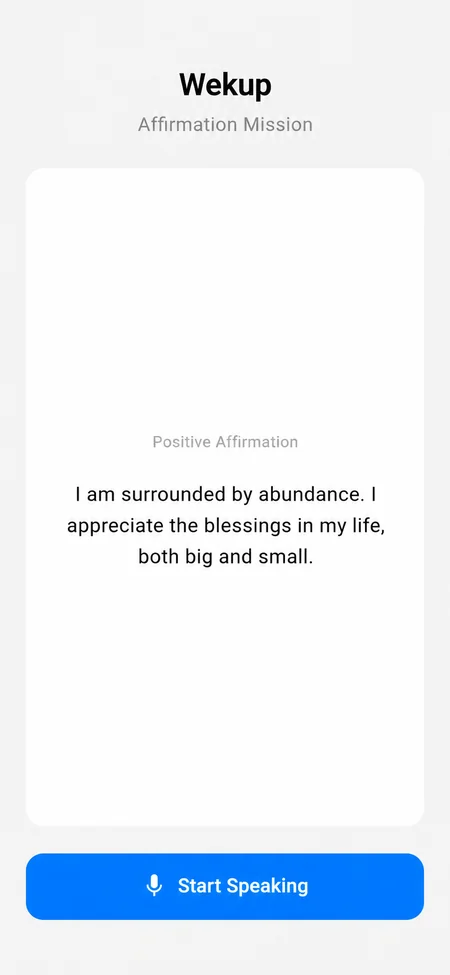
Missions are checked, not timed. Push-Ups looks for real movement across several camera frames, Item Search checks that the photo shows the object asked for, and the spoken missions check your words match the text.

What if I don't subscribe?

Your first mission wake-up is free. Without a subscription, alarms you have already set still ring as ordinary alarms with a Dismiss button and, on Android, one 5-minute snooze.
Questions

Questions people ask

No. There is no snooze and no dismiss button while a mission is active. Plain alarms with no mission can be dismissed with a tap.

Still stuck? Email us and a human will get back to you.

Tomorrow morning starts tonight

Set one alarm and pick one mission before bed. Then find out what you do with the time you used to snooze away.

Get it onGoogle PlayComing soonApp Store

Free to download · First mission wake-up free · No account needed

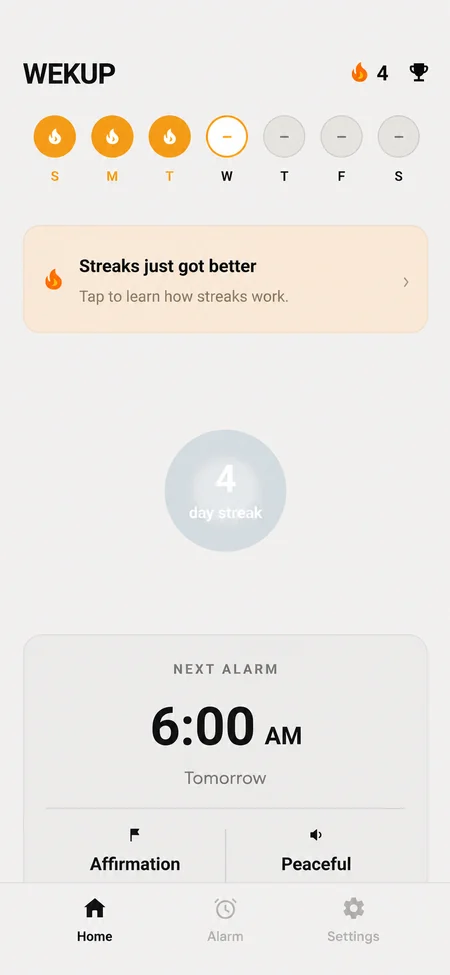
Wekup home screen with the next alarm set for 6:30 AM with a Math Problem mission, the free wake-up counter and the weekly streak row